
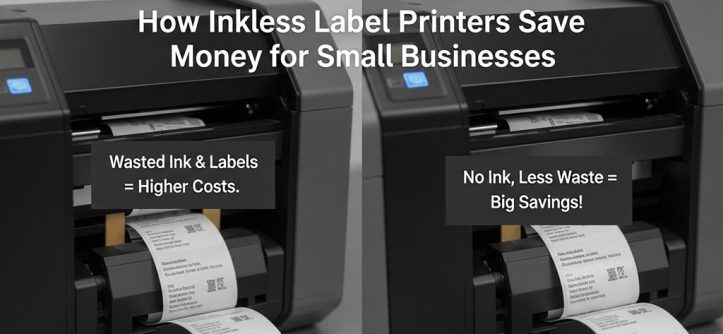
An inkless label printer is a thermal printer that creates labels using heat instead of ink or toner. It eliminates cartridge costs and reduces maintenance, making it a cost saving printer for small businesses.
Small businesses operate on tight margins. Every recurring expense matters. Ink cartridges, toner refills, printhead cleaning, and service calls may seem small individually. But over a year, they add up.
An inkless label printer—often called a thermal label printer—uses heat-sensitive paper (direct thermal) or heat transfer ribbons. There is no liquid ink. No toner. No drying time.
This technology is widely used in logistics, retail, healthcare, and food packaging. Why? Because it is reliable and predictable in cost.
For small businesses shipping products daily, printing barcode labels, price tags, packaging stickers, or warehouse tags, switching to a maintenance free printer model can directly impact profitability.
The core benefit is simple: fewer consumables, fewer breakdowns, and lower operational costs.
How Do Inkless Label Printers Actually Save Money?
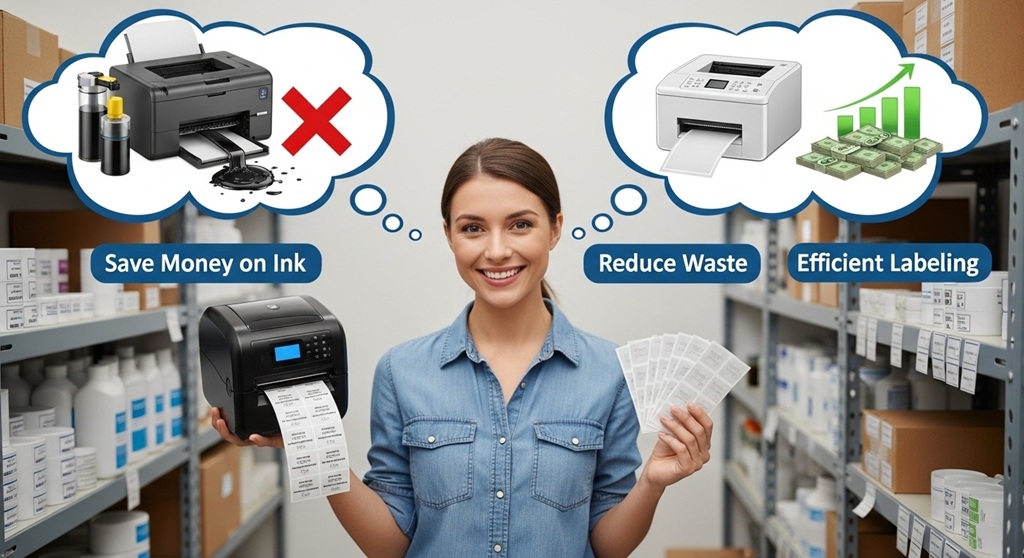
Short answer: They remove ink and toner costs, reduce maintenance expenses, lower downtime, and improve operational efficiency.
1. No Ink or Toner Purchases
Traditional inkjet printers require cartridges. Laser printers require toner. These are recurring costs.
According to industry data, small offices spend between $300 and $800 annually on ink or toner for basic printing needs. Label-heavy businesses spend more.
Inkless printers eliminate that entire category of expense.
- No cartridge replacements
- No refilling costs
- No compatibility issues
- No emergency supply runs
That makes them a true cost saving printer for shipping-based businesses.
2. Lower Maintenance and Repair Costs
Inkjet printers clog. Laser printers accumulate toner residue. Both require cleaning and servicing.
Thermal printers have fewer moving parts. Fewer consumables. Less internal mess.
Because there is no liquid ink, there is no drying, smudging, or clogging. This is why many vendors classify thermal devices as maintenance free printers.
In practical terms, this means:
- Reduced technician visits
- Longer printhead lifespan
- Lower annual servicing cost
3. Reduced Downtime
Printer downtime delays shipping. Delayed shipping leads to customer complaints.
Ink-based systems often fail at peak times—especially when cartridges run out unexpectedly.
Inkless printers operate with predictable supplies: label rolls.
Replacing a roll takes seconds. Replacing a clogged cartridge can take hours.
4. Lower Cost Per Label
The cost per label with thermal printing is typically lower than inkjet printing when calculated at scale.
For example:
| Printer Type | Average Cost Per Label | Recurring Ink Cost |
|---|---|---|
| Inkjet | $0.08–$0.12 | Yes |
| Laser | $0.06–$0.10 | Yes |
| Inkless Thermal | $0.02–$0.05 | No |
Over 10,000 labels per month, the difference becomes significant.
What Real Data Shows About Cost Savings in Small Businesses?
Short answer: Case studies show 30–60% reduction in printing-related operational expenses after switching to thermal label printers.
Let’s look at a simplified case example based on logistics industry benchmarks.
Case Study: Small E-commerce Brand
Business profile:
- Orders per month: 4,000
- Labels per order: 1–2
- Previous system: Inkjet printer
Annual costs before switching:
- Ink cartridges: $1,200
- Printer servicing: $450
- Downtime losses (estimated labor): $600
- Total: $2,250
After switching to thermal:
- Ink cost: $0
- Servicing: $150
- Downtime loss: Minimal
- Total: $150
Estimated savings: Over $2,000 annually.
This does not include indirect benefits like faster label printing or reduced order errors.
Even conservative estimates show strong return on investment within 6–12 months.
Are Inkless Label Printers Truly Maintenance Free?
Short answer: They require minimal maintenance compared to inkjet and laser printers, but basic cleaning and care are still necessary.
No printer is completely maintenance-free. But thermal printers require significantly less intervention.
Routine maintenance includes:
- Cleaning the printhead periodically
- Ensuring label rolls are aligned
- Replacing worn-out parts after heavy use
There are no clogged nozzles. No toner drum replacements. No messy spills.
This reduced upkeep is why they are widely considered a maintenance free printer solution in retail and shipping operations.
How Do Inkless Label Printers Improve Operational Efficiency?
Short answer: They print faster, reduce human error, and integrate smoothly with POS and shipping systems.
1. Faster Print Speeds
Thermal printers are optimized for label output. Many models print 4–8 inches per second.
In high-volume environments, that speed matters.
2. Cleaner Barcodes
Thermal printing produces sharp barcodes. Fewer smudges. Better scanning accuracy.
Fewer scanning errors mean:
- Faster warehouse processing
- Reduced returns
- Improved customer satisfaction
3. Seamless Software Integration
Most modern inkless label printers integrate with:
- Shipping platforms
- Inventory systems
- POS software
- Marketplace platforms
This automation reduces manual work.
Is the Initial Investment Worth It for Small Businesses?
Short answer: Yes, if you print labels regularly. Break-even typically occurs within one year for most shipping-based businesses.
Thermal printers range from $100 to $500 depending on brand and features.
Compare that to recurring ink costs over 12 months.
If your business prints more than 1,000 labels per month, the math usually favors switching.
The decision becomes less about price and more about long-term cost efficiency.
What Types of Small Businesses Benefit the Most?
Short answer: E-commerce sellers, retail stores, food businesses, logistics providers, and warehouses benefit the most.
Common use cases include:
- Shipping labels
- Barcode labels
- Product tags
- Inventory stickers
- QR code labels
If labels are part of daily operations, a cost saving printer becomes a strategic investment.
Are There Any Limitations to Inkless Label Printers?
Short answer: Direct thermal labels may fade over time, and they are not ideal for high-heat environments.
Thermal labels can fade when exposed to:
- Sunlight
- Heat
- Chemicals
For long-term archival use, heat transfer models may be more suitable.
Understanding your use case is critical before switching.
Conclusion: Should Your Small Business Switch to an Inkless Label Printer?
Printing costs often hide in plain sight. Ink. Toner. Repairs. Downtime. These expenses quietly reduce profit margins.
An inkless label printer simplifies the equation. No cartridges. Fewer breakdowns. Lower cost per label. Faster operations.
For shipping-based or retail-focused businesses, the shift to a maintenance free printer model is not just about convenience. It is about financial control.
If your business prints labels daily, run the numbers. Calculate your current annual ink and maintenance costs. Compare them to thermal printing supplies.
The difference may be larger than expected.
Ready to reduce operational expenses and improve efficiency? Evaluate your printing workflow today and consider upgrading to a cost saving printer that supports long-term growth.
Frequently Asked Questions (FAQ)
1. Do inkless label printers really save money?
Yes. They eliminate recurring ink or toner costs and reduce maintenance expenses. Over time, this significantly lowers the total cost of ownership.
2. What is the lifespan of a thermal label printer?
Most quality thermal printers last 3–5 years or longer with proper care. Industrial models can last even longer in high-volume environments.
3. Are thermal labels expensive?
No. Thermal labels are generally affordable. In bulk, the cost per label is lower than ink-based alternatives.
4. Can inkless printers print color labels?
Most direct thermal printers print in black only. For color needs, specialized systems are required.
5. Are thermal printers suitable for home-based businesses?
Yes. Many compact models are designed for small offices and home-based e-commerce sellers.
6. Do thermal labels fade over time?
Direct thermal labels can fade when exposed to heat or sunlight. For long-term durability, heat transfer labels are recommended.
7. Is it difficult to switch from inkjet to thermal printing?
No. Most modern thermal printers are plug-and-play and integrate easily with shipping and POS software.
Related Topic: How to Choose Green Surfboard Fin Brands That Support Ocean Conservation
Read Next: How to Use a Probe Thermometer in the Oven




Leave a Reply