

Would you walk every day, always wearing the same dress? You would not do that? Well, that is why the change of skins in Minecraft characters is more than normal. Let’s see what we can do.
Our digital friends are also famous for their colors. If we think of Steve, we immediately think of colors between blue (shirt) and purple (pants), while for Alex, orange hair, green (shirt), and brown (pants).
But maybe, if you are still a newbie, you don’t know that you can change clothes, or as reported (correctly) on the official website, change the skin of Minecraft characters.
Where to begin?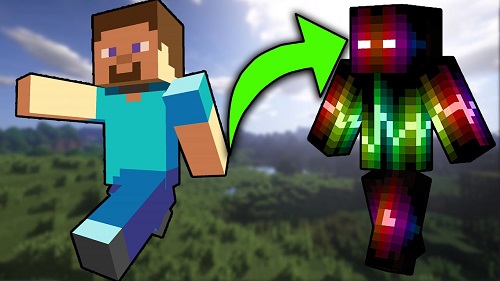
So, first, we have to find a way to generate a Minecraft skin, like the one we saw above. There are many applications that provide this service, more or less free. We, for this tutorial, have chosen the Skindex.
The Skindex is a site where you can download hundreds and hundreds of beautiful skins for your characters for free. There really is something for everyone! You can also modify them to your liking, or even create them from scratch! It’s a gnarly resource site and very easy to use. That’s why the Skindex is the right place to start changing Minecraft skins.
Change skin Minecraft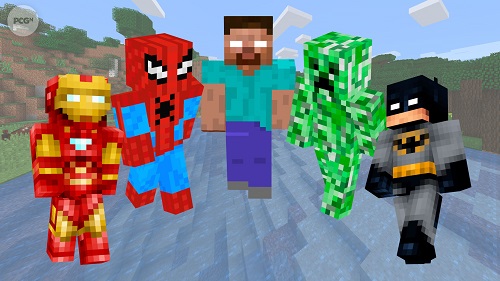
To get started, connect to The Skin. There you will be introduced to the Top Skins of the moment immediately.
You can choose one immediately by clicking on it, or scroll down and then between the different pages.
Try to choose a Minecraft skin that you like by clicking on it.
For our test, we have chosen the colorful Sacred Rainbow Armor, by user Intra.
Here in the center, you can get a closer look at the mining of the skin you have chosen. With a click of the background button (1) you can change the background and see, even before entering Minecraft, what effect your new skin will have on different landscapes in the eyes of other players.
On the right, you will find a stack of buttons (2). And it is with these that you can make the skin you see on the screen your own:
- Upload to Minecraft.net allows you to import the skin of your choice directly into your Minecraft account and then assign it to your character;
- Download: by clicking this button, the skin will be downloaded to your computer and you can use it however you want;
- Dressing Room – This is your dressing room (registration required). Here you can hang the leathers of your choice from your virtual wardrobe and collect them whenever you feel like it;
- Edit Skin – is a true (and powerful) mining skin editor, where you can modify the skin you just chose to your liking.
Upload a skin to Minecraft
Now that we have chosen the skin we like, all we have to do is change the skin of our character.
Then press the Upload button to Minecraft.net (make sure you don’t have the pop-up blocker activated in your browser…). If we are registered in minecraft.net and we are already connected, it will take us directly to the skin import page and we will only have to click on the Upload button at the bottom of the page:
If you’ve screwed up too much, or want to start over, just hit the Reset skin button at the bottom of the left control column.
Tags: change minecraft skin, how to change minecraft skin



Leave a Reply